Vehicle-based estimates
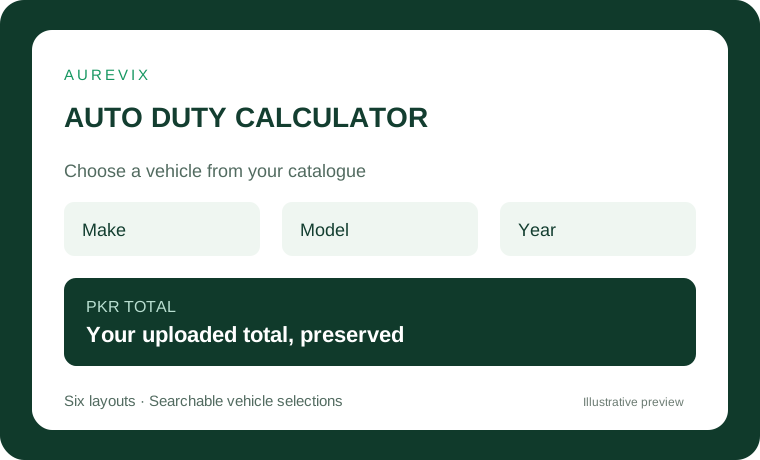
Select from the imported vehicle data and display its original PKR duty total.


Keep your uploaded PKR total, choose from six Elementor styles and manage 20 optional modules. Ten Free modules start enabled.
AUREVIX Auto Duty Calculator · Version 1.1.1 · WordPress 6.4+ / PHP 8.1+
Try the controls with illustrative sample data. Changes stay in this preview. Optional modules still need activation and setup on your website.
Keep your uploaded PKR total, choose from six Elementor styles and manage 20 optional modules. Ten Free modules start enabled.
Select from the imported vehicle data and display its original PKR duty total.
Use the existing Elementor widgets or [auto_duty_calculator] with six widget styles.
Ten Free modules start ON. Apply Manager grants, local settings and required configuration.
Keep the original PKR amount visible and show manual or provider rate attribution for converted estimates.
Default labels describe initial settings. Your Manager grants, saved choices, role permissions and required provider setup still apply.
Type to filter the available choices.
Show the original PKR total beside converted amounts.
Copy the selected vehicle and estimate as plain text.
Keep recent selections in this browser only.
Contact the configured dealer with the selected vehicle.
Show guidance for vehicle specification fields.
Clear a selected filter and its dependent selections.
Show available dimensions, weight, drive and MSRP.
Show the owner-configured note alongside the estimate.
Restore this browser’s last available vehicle selection.
Compare two vehicles and their current estimates.
Keep favourites in this browser only.
Create a URL selecting an available vehicle, without embedding prices.
Print the displayed vehicle and estimate.
Display the configured WordPress media image for a vehicle.
Configure optional displayed specification fields.
Export the selected estimate as a formula-safe CSV.
Manage public visibility without deleting the source record.
Save reusable style, heading, description and currency presets.
Choose English or Roman Urdu calculator labels.
Upload the Free plugin and complete Aurevix Licenses setup.
Import vehicle data under Auto Duty and confirm the preview.
Add an Auto Duty widget in Elementor, or use [auto_duty_calculator].
Open Auto Duty → Features for branding, local switches and display settings. Central Manager permissions apply.
Amounts are estimates. The original uploaded PKR total is retained and conversion rates show their manual or provider origin. Confirm the final duty separately.
The matching Normal plugin, eligible license, Manager grant, local setting and any required provider configuration must all be present.
A quotation or recorded deposit alone does not confirm a consultation. Staff must follow the separate booking and payment approval flow.
2026-10-15 · WordPress 6.4+ / PHP 8.1+
1.1.1 — WordPress admin menu routing fix Register the Auto Duty parent before feature/add-on submenus. Features & settings now resolves through admin.php?page=auto-duty-features; the original vehicle catalogue submenu remains available. No feature defaults, licensing, prices or data formats changed. 1.1.0 — Calculator expansion / platform 2.3.0 20 Free modules, 10 initially ON; Pro quotation compatibility; reviewed Vehicle Data Manager support; original shortcode, uploaded Total and six widget styles preserved. 1.0.1 — AUREVIX Manager integration Existing plugin folder, shortcode, vehicle table and six Elementor widget IDs retained. Added free activation, signed access checks, updates and optional authenticated vehicle catalogue sync. Requires PHP 8.1.
Update installed matching Normal and Pro plugins together. Existing license and trial dates are retained.
Your saved settings, installed version and enabled modules shape the final experience.
Only approved feedback is published. Customer email addresses stay private.
Loading approved reviews…