CoreNest
Client access & staff workspace
Explore CoreNest →

CoreNest, FormNest and BookNest share one client workspace. Add optional Pro tools, controlled per website through the Manager.
Client access & staff workspace
Explore CoreNest →Forms, requests & private documents
Explore FormNest →Invoices, payments & consultations
Explore BookNest →Recommended complete setup: CoreNest + FormNest + BookNest. Automatic Meet generation is a BookNest Pro addition.
The customer fills in their details and chooses Voice or Video plus an available time.
The time is held while staff review the request; the default is 24 hours, capped before the appointment.
Staff issue the invoice and bank instructions. Automatic pricing starts OFF.
The customer opens their email’s dashboard link and uploads an image or PDF.
Staff check the actual bank transaction and confirm the valid held appointment.
The customer and consultant use the meeting link. Voice participants leave cameras off.
| Consultation feature | BookNest | BookNest + Pro |
|---|---|---|
| Guest booking & private access | Included | Included |
| 30-minute slots & fixed timezone | Included | Included |
| Manual fees, invoice & proof review | Included | Included |
| Manual Google Meet links | Included | Included |
| Automatic Calendar/Meet connection | — | Requires Google setup |
| Service prices & automatic invoices | — | Owner enables; default OFF |
| Invoice designs | Standard invoice | 12 fixed designs |
| Late-charge and refund records | Included | Included |
| Optional Manager-controlled modules | 8 additional modules | 8 Pro modules in addition |
CoreNest Pro and FormNest Pro each have four recommended defaults ON. Other Nest module defaults are OFF. The Manager can change every site’s grants.
64 matching modules
Queue a deduplicated email before a confirmed appointment.
Record invoice due dates and show customers when payment is due.
Print a protected receipt only after a staff-verified payment.
Owner-only export of invoice amount, currency and payment state.
Owner-only received payments and adjustment payments, less recorded bank refunds, grouped by currency; pending refunds are shown separately.
Queue a deduplicated follow-up email after completed consultations.
Display the configured policy beside appointment requests.
Staff add a customer-visible invoice memo without changing amounts.
Customers propose a new time; staff review before moving a booking.
Customers request cancellation; staff review without silently cancelling.
Customer and assigned staff share logistical appointment notes.
Owner configures preparation instructions per service.
Download an authenticated confirmed appointment as an ICS file.
Display the actor’s next confirmed appointments in chronological order.
Display browser-local time alongside the business timezone.
Scoped staff record appointment preparation and arrival steps.
Owner-managed client tags with email and tag filtering.
Scoped request tasks with owner, due date and completion status.
Customer and authorized staff exchange messages on a request.
Owner-only counts of request status and assigned workloads.
Owner-maintained onboarding steps for a selected customer.
Owner-managed operational flags; do not enter clinical notes.
Scoped staff-only handover notes linked to a request.
Owner-only audit metadata export, excluding submitted answers.
Owner records calls and contact outcomes for a saved customer.
Owner records a customer follow-up action, due date and Open/Done status.
Each customer saves their own service and accessibility preferences.
Assigned authorized staff track an escalation and its due date without changing the request assignment.
Customers and authorized staff exchange feedback on an existing request.
Staff record customer-visible progress milestones; customers can read but cannot edit them.
Owner sees audit event counts by actor and event, excluding note/message bodies.
Owner exports saved customer contact profiles, without passwords or submitted answers.
Show a configured notice to signed-in customers.
Publish useful HTTPS links in the portal.
Customers save their preferred contact method and language.
Show the customer which account details are complete.
Customers keep notes visible only to their own account.
Each customer can choose a larger reading size.
Customers save their own labelled HTTPS links.
Show a compact list of the actor’s own recent notifications.
Staff record and complete scoped review steps per request.
Staff request a correction; the customer replies in the same request.
Assign new requests to active staff using per-form rules.
Owner defines reusable replies; authorized staff send them to a request.
Owner-only export of verified requests; formula-safe CSV.
Save schema history and restore an earlier version as a disabled draft.
Scoped staff tag a request low, normal or high priority.
Staff record due dates and track overdue request reviews.
Authorized staff record pending, accepted or needs_changes; this does not approve a payment.
Authorized assigned staff keep internal review notes unavailable to customers.
Staff track received/missing document requirements with a due date and Open/Done status.
Staff with assignment permission record a handover and due date without changing the assigned reviewer.
Owner sees verified submission counts by form and status.
Owner sees verified open requests with elapsed days for manual follow-up.
Owner downloads a selected form definition; no submission answers are included.
Authorized assigned staff add searchable text labels to a selected request.
Configure per-field guidance without changing required fields.
Show counters on form text fields with existing server limits.
Filter long select lists while retaining validated choices.
Server-enforced opening and closing dates per form.
Display a stable reference for each saved request.
Authenticated customers and permitted staff can print a submission.
Form managers copy an existing schema as a disabled draft.
Show the entered values for review before final submission.
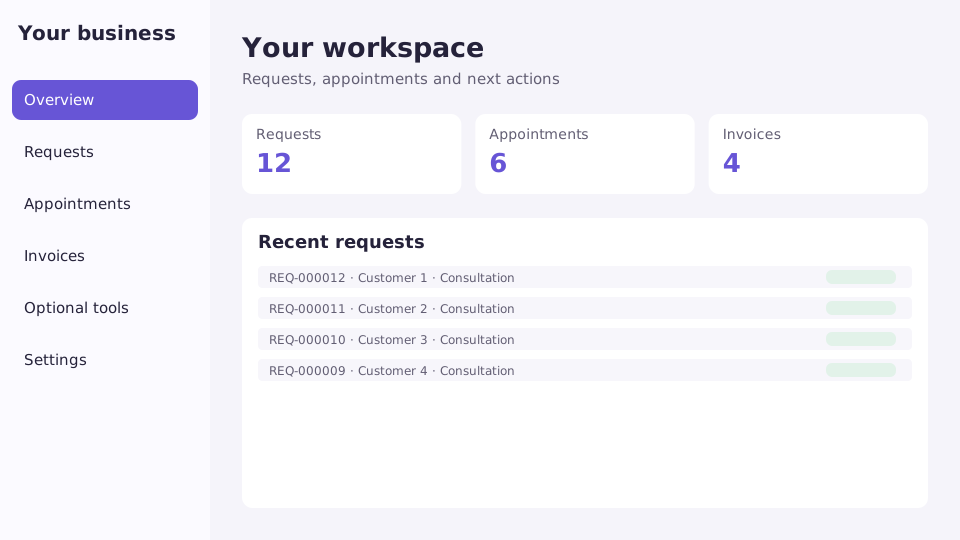
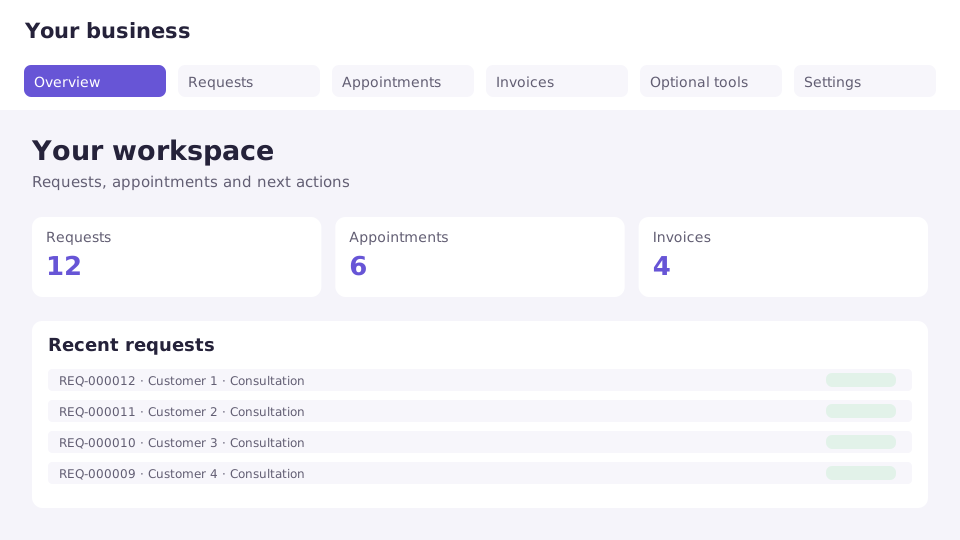
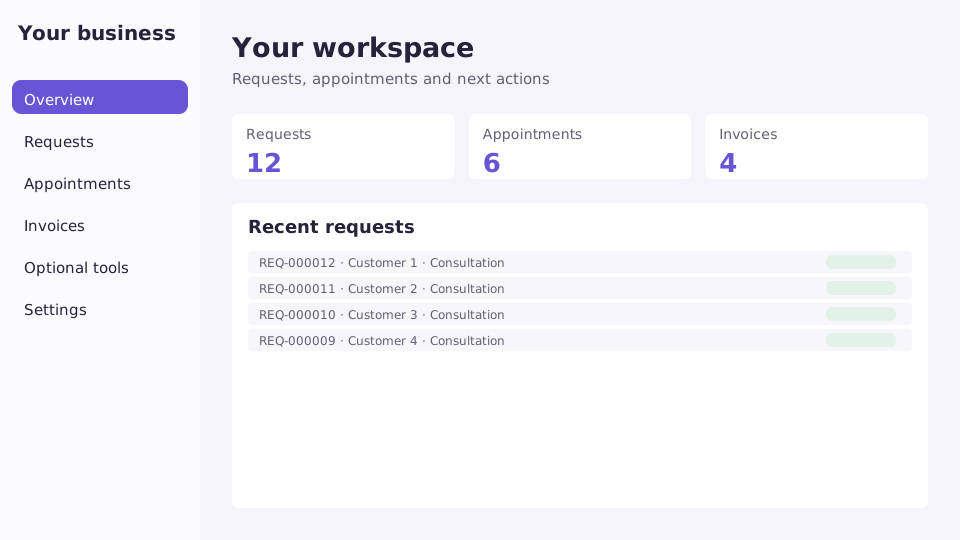
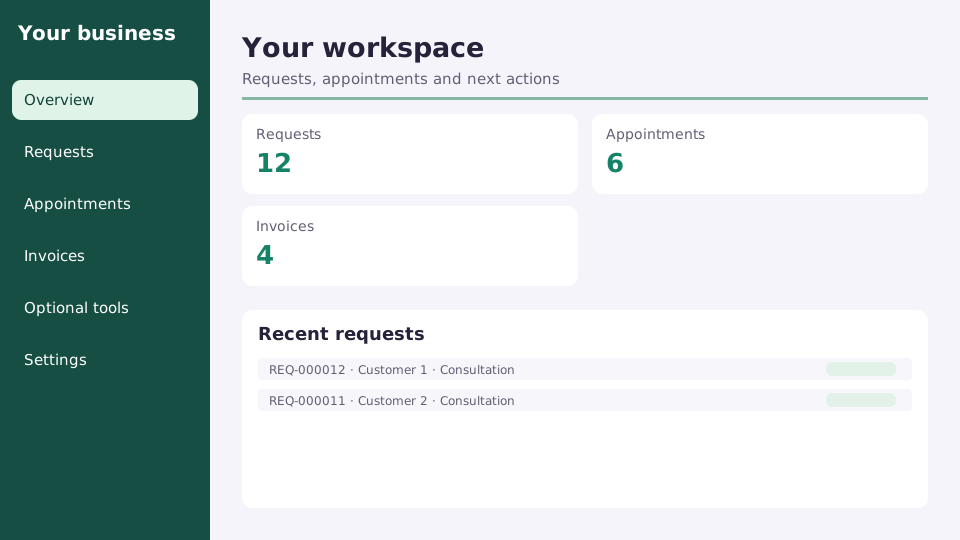
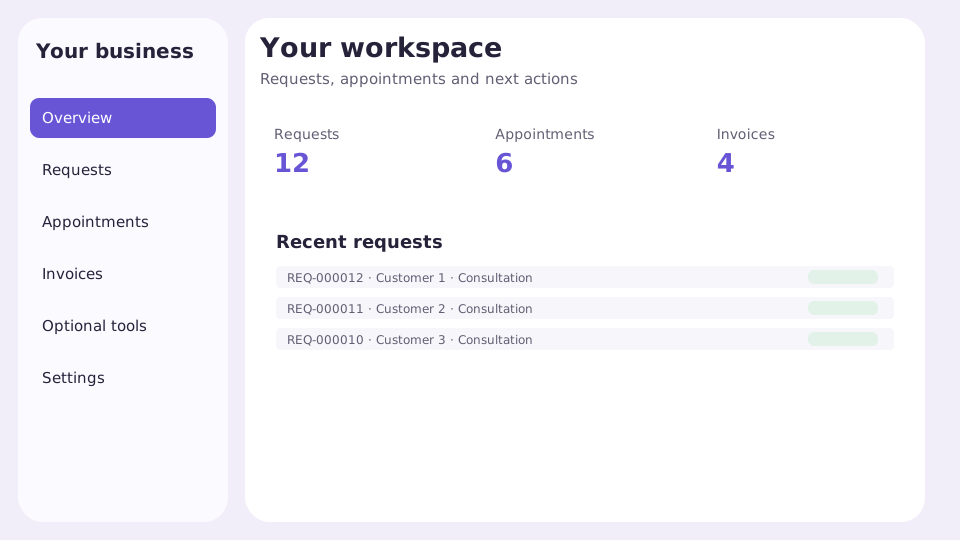
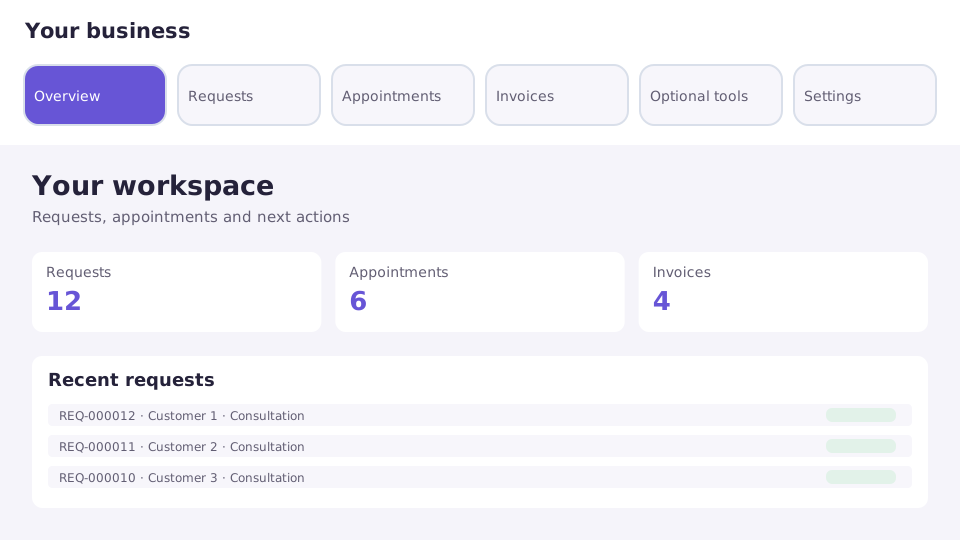
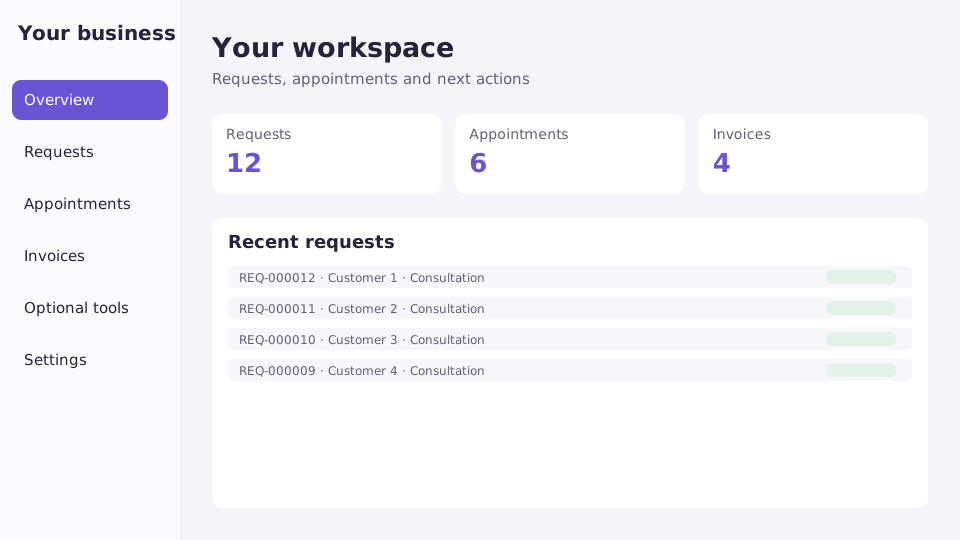
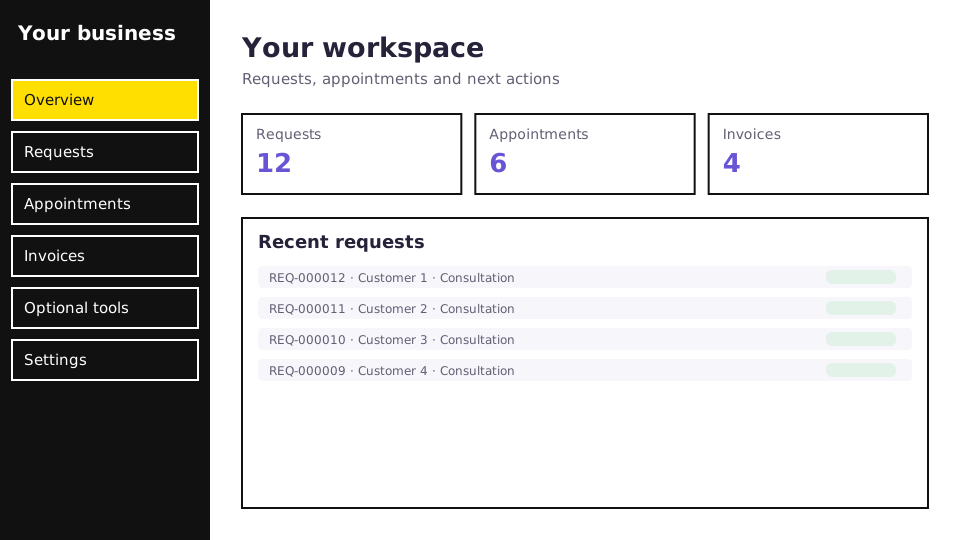
Choose a shared workspace layout, then apply your business identity and staff permissions.
Tell us what your WordPress website needs. We’ll help you find the right products and setup.